
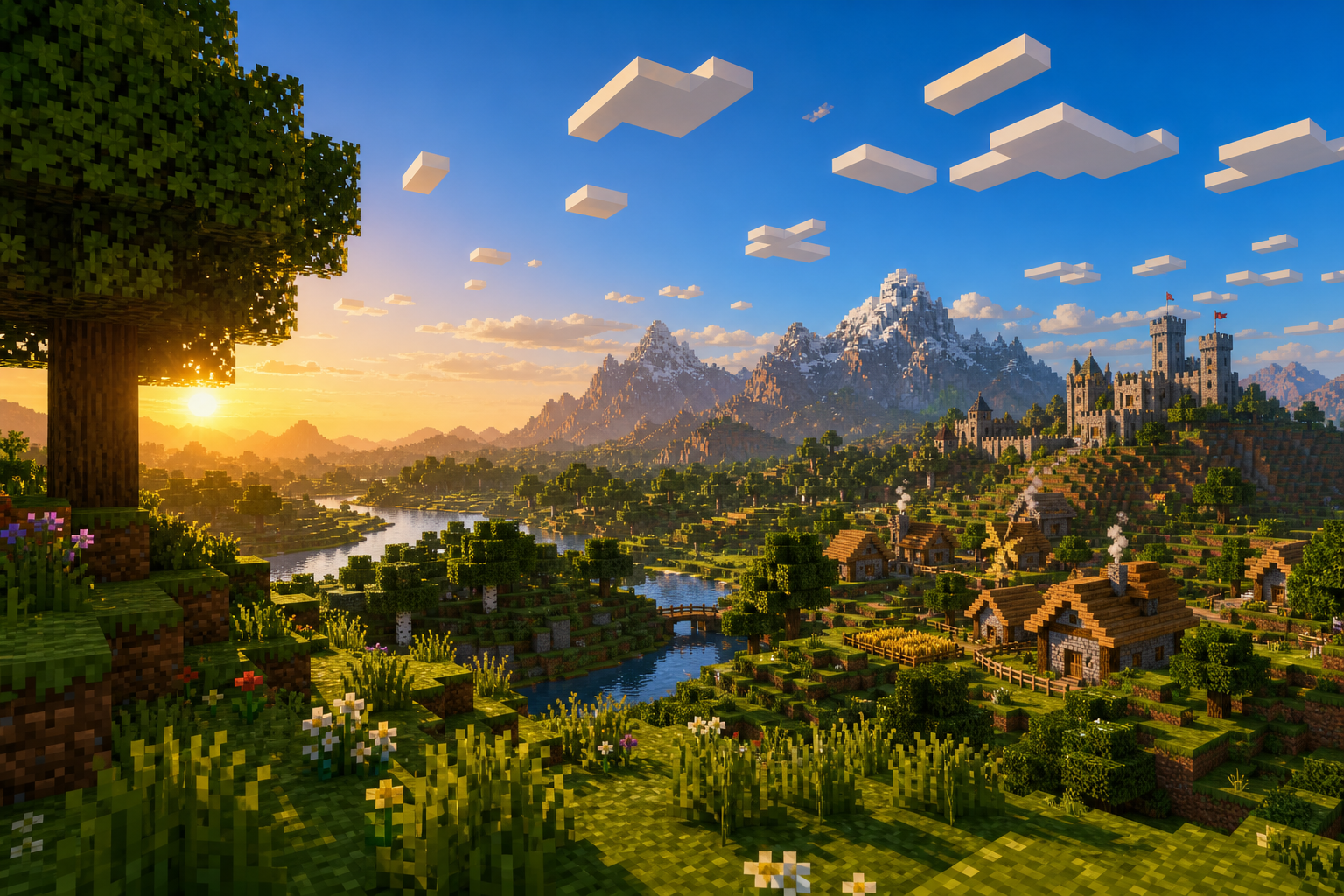
Ready for a fresh, epic Minecraft experience? Welcome to Outlast Network! We’ve built a high-performance, lag-free survival world where Java and Bedrock players grind together seamlessly. No matter what device you're on, your next big journey starts here!


Powered by ItemsAdder, prepare to be blown away by custom 3D textures, unique cosmetics, and a stunning, clean UI—all completely vanilla with zero mods required. Want to flex your progress? Show off your grind with our custom Leveling System neatly displayed right on our sleek tablist. Rank up, unlock exclusive perks, and claim your bragging rights!


We keep gameplay fair and secure with Vulcan anti-cheat, ensuring a safe, competitive haven for our amazing community. Whether you're a master builder or a hardcore survivalist, your new home is waiting.


Grab your gear, bring your friends, and write your legacy. Join Outlast Network today!

What kind of Minecraft Server is OUTLAST NETWORK?
OUTLAST NETWORK is a Minecraft Survival Server that caters to players using both Java and Bedrock editions of the game. The server aims to provide a friendly and welcoming environment for players to enjoy a balanced and engaging
Crossplay, Survival, Adventure experience.


Java Server IP: outlastmy.com
Bedrock Server IP: outlastmy.com | Bedrock Port: 19132 Minecraft Version: The server operates on version n/a


Types of Games and Gameplay on OUTLAST NETWORK?
Minecraft servers offer a diverse range of game modes and gameplay types, which is what sets them apart from one another. OUTLAST NETWORK is a Minecraft server that offers several types of games and gameplay, including
Roleplay, PVP, Land Claim, McMMO, Economy modes.

Server software used to run OUTLAST NETWORK?
Using custom server software provides additional features, customization options, and plugin support compared to the original Minecraft server jar. This server has registered their server to use the following server software:
None custom server software registered. We suspect the server uses the original game files.


How do I join the OUTLAST NETWORK server?
Join with Minecraft Java edition

Click on the Java IP here to copy it: outlastmy.com
Open Minecraft and click the Multiplayer tab and click Add Server
Paste the IP into the Add Server option. Click Done
Click Join and enjoy playing on OUTLAST NETWORK


Join with Minecraft Bedrock / Pocket Edition (MCPE)

Click on the link here to: Add OUTLAST NETWORK to Minecraft Pocket Edition
Click Play and enjoy playing on OUTLAST NETWORK Bedrock Edition.
If the above does not work, then Copy this IP and Port individually. outlastmy.com Port: 19132
Open Minecraft Pocket Edition and click the Play button
Open the Servers tab and click on the Add Server option
Paste the IP into the Server Address field, and the Port in the Port field
Click Play and enjoy playing on OUTLAST NETWORK Bedrock Edition.
Vote for OUTLAST NETWORK

Similar OUTLAST NETWORK Minecraft Servers