
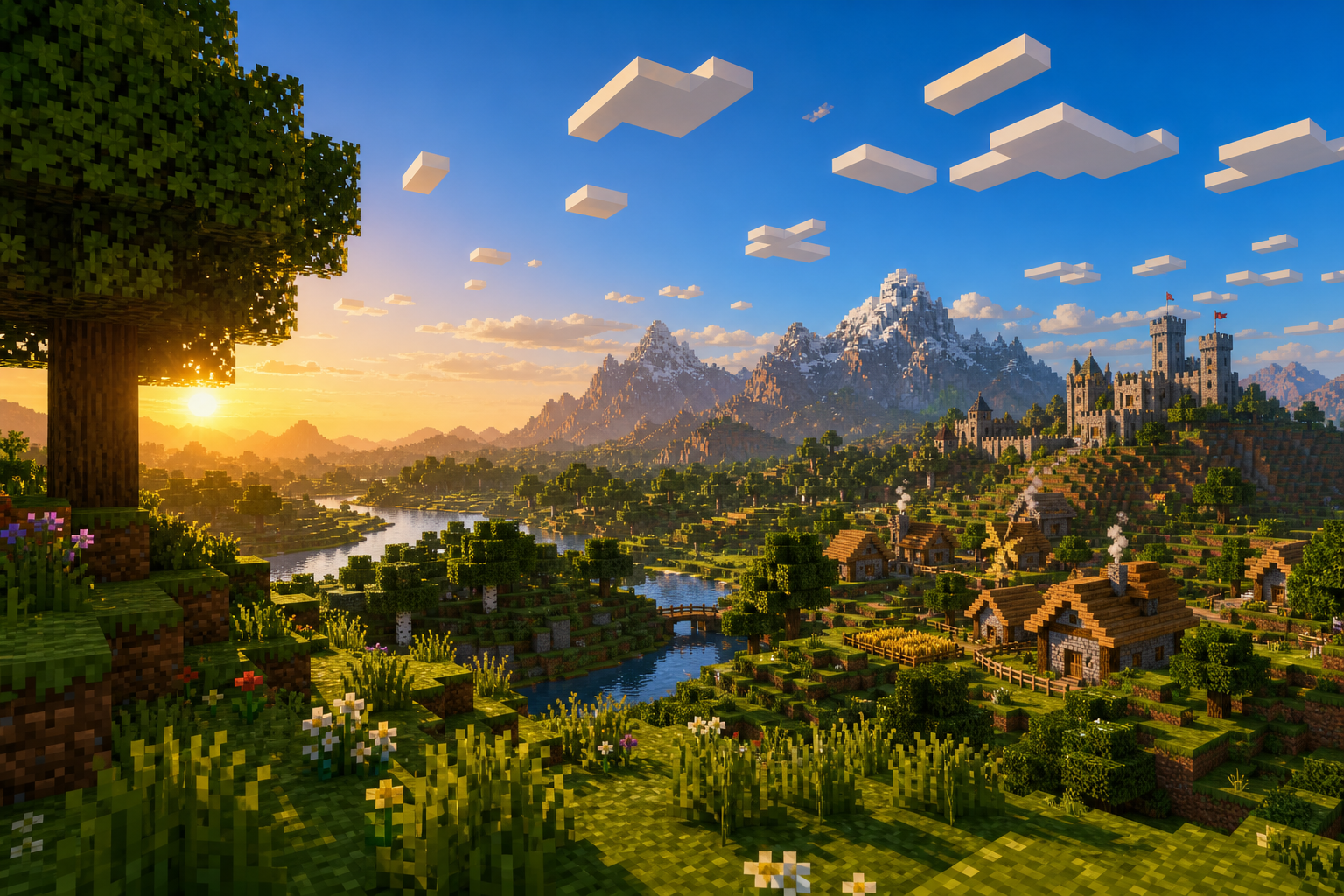
Ever hoped for more collaborative, enticing and engaging community building without the commitment?


We might just have what you need! Distant Systems is the definitive server experience combining the immersive RPG experience you have come to know with Civlization (Towny) building. Build and create your metropolis, achieve riches, and raise your renown in our Distant Systems!


We have RPG like plugins to craft a diverse experience suiting all forms of play such as:

* Towny

* McMMO

* MarriageMaster

* LevelledMobs (with more rewards for increased difficulty!)

* Reforging

* Custom Armor

and much more to come! So why not stop by and have a look? Time to scratch that Minecraft itch and create your definitive Town experience. Based in Chicago, Illinois!

What kind of Minecraft Server is Distant Systems?
Distant Systems is a Minecraft Survival Server that caters to players using both Java and Bedrock editions of the game. The server aims to provide a friendly and welcoming environment for players to enjoy a balanced and engaging
Crossplay, Survival experience.


Java Server IP: distant.systems
Bedrock Server IP: distant.systems | Bedrock Port: 19132 Minecraft Version: The server operates on version 26.2


Types of Games and Gameplay on Distant Systems?
Minecraft servers offer a diverse range of game modes and gameplay types, which is what sets them apart from one another. Distant Systems is a Minecraft server that offers several types of games and gameplay, including
Towny, Roleplay, PVE, McMMO, Economy modes.

Server software used to run Distant Systems?
Using custom server software provides additional features, customization options, and plugin support compared to the original Minecraft server jar. This server has registered their server to use the following server software:
Spigot


Additional plugins / mods installed on server Essentials, Bolt, VeinMiner, RTP, ChestShop, LevelledMobs, Guilds, Towny, Quests, EcoEnchants, EcoItems, EcoMobs, StatTrackers, EcoArmor, Citizens, mcMMO, Geyser

How do I join the Distant Systems server?
Join with Minecraft Java edition

Click on the Java IP here to copy it: distant.systems
Open Minecraft and click the Multiplayer tab and click Add Server
Paste the IP into the Add Server option. Click Done
Click Join and enjoy playing on Distant Systems


Join with Minecraft Bedrock / Pocket Edition (MCPE)

Click on the link here to: Add Distant Systems to Minecraft Pocket Edition
Click Play and enjoy playing on Distant Systems Bedrock Edition.
If the above does not work, then Copy this IP and Port individually. distant.systems Port: 19132
Open Minecraft Pocket Edition and click the Play button
Open the Servers tab and click on the Add Server option
Paste the IP into the Server Address field, and the Port in the Port field
Click Play and enjoy playing on Distant Systems Bedrock Edition.
Vote for Distant Systems

Similar Distant Systems Minecraft Servers